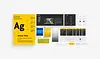
A DESIGN SYSTEM FOR
THE FUTURE
CUSTOMER
Visit Sweden"www.visitsweden.com"
PROJECT BACKGROUND
The project was about migrating Visit Sweden design from Sketch to Figma and create a new comprehensive design system that meets industry standards. The end results were a high-quality component library and a well-built local style that helped the design team increase consistency and efficiency in the design process.
PROBLEM STATMENT
Previously, the design for visitsweden.com existed in Sketch, but it lacked a comprehensive design system and style guide. This resulted in inconsistent design and a poor user experience. Additionally, the components used in the project did not meet current industry standards.
GOAL
The goal was to migrate the existing design from Sketch to Figma and establish a comprehensive design system and style guide that adheres to modern design principles.
CHALLENGES
Ensuring consistency across all designs was challenging and required close attention to detail. Additionally, creating a design system that was both scalable and could accommodate future growth and development proved to be a complex undertaking.
ROLE
I was a UX Designer intern at Fröjd digital agency, and I would like to express my gratitude to the project manager and Design lead for their trust and the support they provided.
DATE
March - April 2023
NOTE
"The existing design of visitsweden.com was not created by me, and my role in this project was to migrate the design and create a design system based on the existing design".
5 MINS READ

DESIGN AUDIT

DEFINERA

DESIGNA
THE PROCESS
A non-linear design process consisting of design audit, definition, and design was employed to establish an efficient and sustainable design system.
Processen
En designprocessen som består av design audit, definering och desgin för att bygga upp ett effektivt och långsiktigt designsystem.
In the definition phase, I collaborated closely with the project manager, art director and developers to identify their needs and goals. By involving the target group early in the process, I could adapt the design system to the needs of the customer and Fröjd employees. I also established effective communication structures to ensure smooth collaboration and handle any challenges quickly and efficiently.
KEY INSIGHTS
- Visual Consistency: The art director emphasized the importance of maintaining visual consistency.
- Efficient development: The developer expressed the need for well-documented design components.
- Storybook: The design system In Storybook is not updated and is 8 years old.
- Old Sketch design file: Style guide and components were in Sketch and not updated at all and lacked documentation.
- Scalability: The team expressed the need for a design system that can be adapted and scaled.
- Future project development: The project manager highlighted the need for a design system that meets the specific requirements for future project development.
DEFINE


The second step involved gathering assets and reviewing the details of each component at various breakpoints. I examined design assets such as colors, text styles, sizes, and spacing. This provided me with an overview of each component on the website. Collecting all the materials was challenging and time-consuming, but with the aid of appropriate Figma plugins, Chrome extensions, and other HTML/CSS tools, the task became more manageable.
STEP 2


The process began with prioritizing the foundational elements of the design system, including an accessible color palette, typography, grid, spacing, buttons, etc. Next, I focused on developing more complex components such as molecules, organisms, templates, and pages. This was done to create a comprehensive and cohesive design system.
DESIGN
The second step involved gathering assets and reviewing the details of each component at various breakpoints. I examined design assets such as colors, text styles, sizes, and spacing. This provided me with an overview of each component on the website. Collecting all the materials was challenging and time-consuming, but with the aid of appropriate Figma plugins, Chrome extensions, and other HTML/CSS tools, the task became more manageable.
STEP 2
-
"Nested components" are used to reduce the number of components in the project.
-
I utilized Auto Layout in Figma to build all components, enabling me to reuse them across different devices or layouts.
-
States for components such as hover, focus, error, and disabled state.
-
Color accessibility is checked during the creation of the color style and for each component.
-
The initial step in component documentation includes variants, anatomy, layout, and spacing.
COMPONENT PLAYGROUND
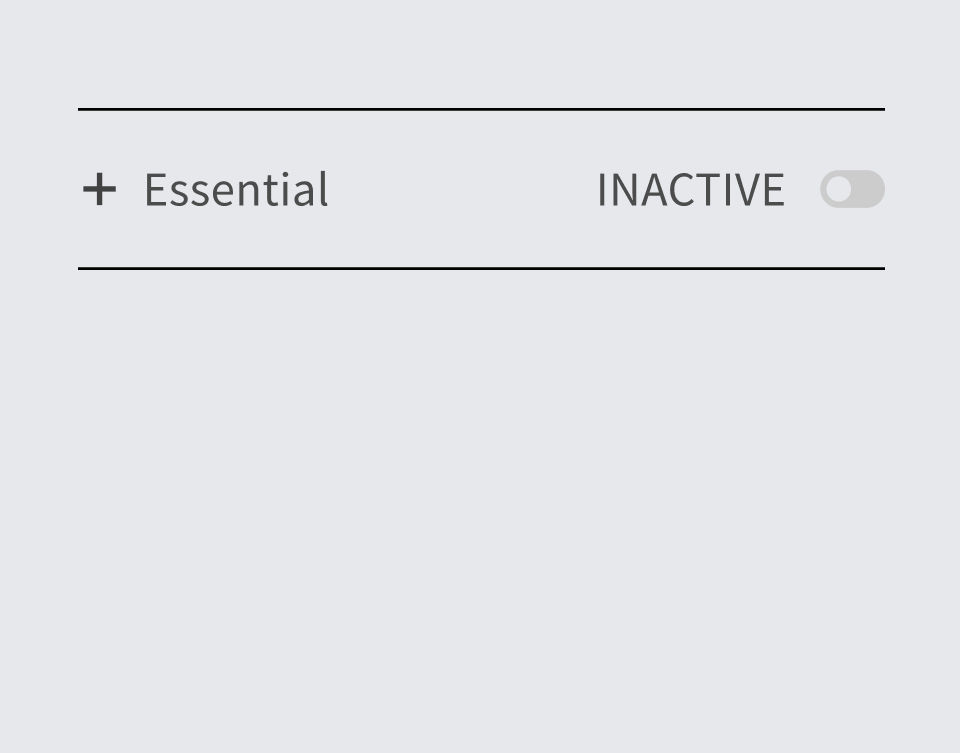


Variant "Inactive"
Variant "Active"
Boolean "Toogle"
COOKIES


Variant "Primary"
Boolean "Ikon"
Text
PRIMARY BUTTON

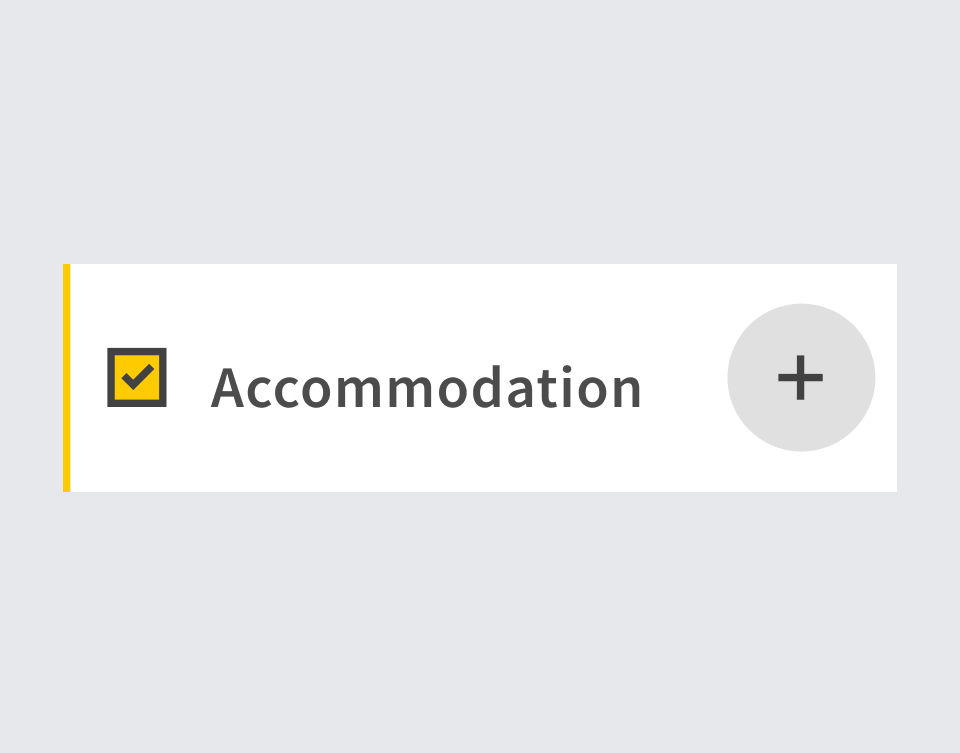

Variant "Selected"
Boolean "Höger Icon På"
Text
ACCORDION
Try a property



A SYSTEM WITHIN A SYSTEM
The creation of a style guide facilitated a streamlined approach to building new components and further developing templates and pages.


ATOMS
MOLECULES
ORAGNISMS
TEMPLATE
PAGES

The design system is an ongoing project, and so far, we have a set of components ready, which can be crucial in terms of efficiency, consistency, and future development. The next steps could be as follows:
-
Design tokens.
-
Completing the documentation of components.
-
Continuous updates of the design system.
NEXT STEP

During my internship as a UX/UI Designer at Fröjd digital agency, I was responsible for migrating the design for visitsweden.com from Sketch to Figma and creating a comprehensive design system and style guide. Challenges included ensuring consistent design elements and creating a scalable design system for future growth. I conducted a design audit to evaluate and establish existing design elements and created a detailed list of what needed to be built. By utilizing Custom properties, Nested components, and Auto Layout in Figma, I created a cohesive design system with various components and variants.
SUMMARY
© 2023 Created with lots of 🤍 and ☕️
I Started the migration of the design from Sketch to Figma, which was facilitated by the import functionality in Figma. Upon importing the design into Figma, I noticed the absence of design documentation or style guide, necessitating a visual design assessment. This assessment involved evaluating and determining the current state of the design in Figma and identifying what needed to be created. It was also crucial to assess if the component sizes, colors, and text styles aligned with the existing website.
STEP 1
Developing a design system with a focus on user experience presented unique challenges, especially given the limited resources and tight time frame. This project required a varied approach and I wore three different hats:
- UX Designer hat to ensure a user-centered design that is based on the target group's needs and challenges.
- UI Designer hat to create visually appealing and consistent elements.
- The developer hat to create a design system that can be transferred to Storybook.